ProjectNetwork Atlas
Your network is a list.
Your relationships are a pattern.
LinkedIn shows you a list of names. But the data export you can request holds a better story: who found you, who you actually talk to, and how your network grew with each job.
I wanted to see mine, so I built Network Atlas with Claude Code. You drop in your export, and it draws the picture in your browser.
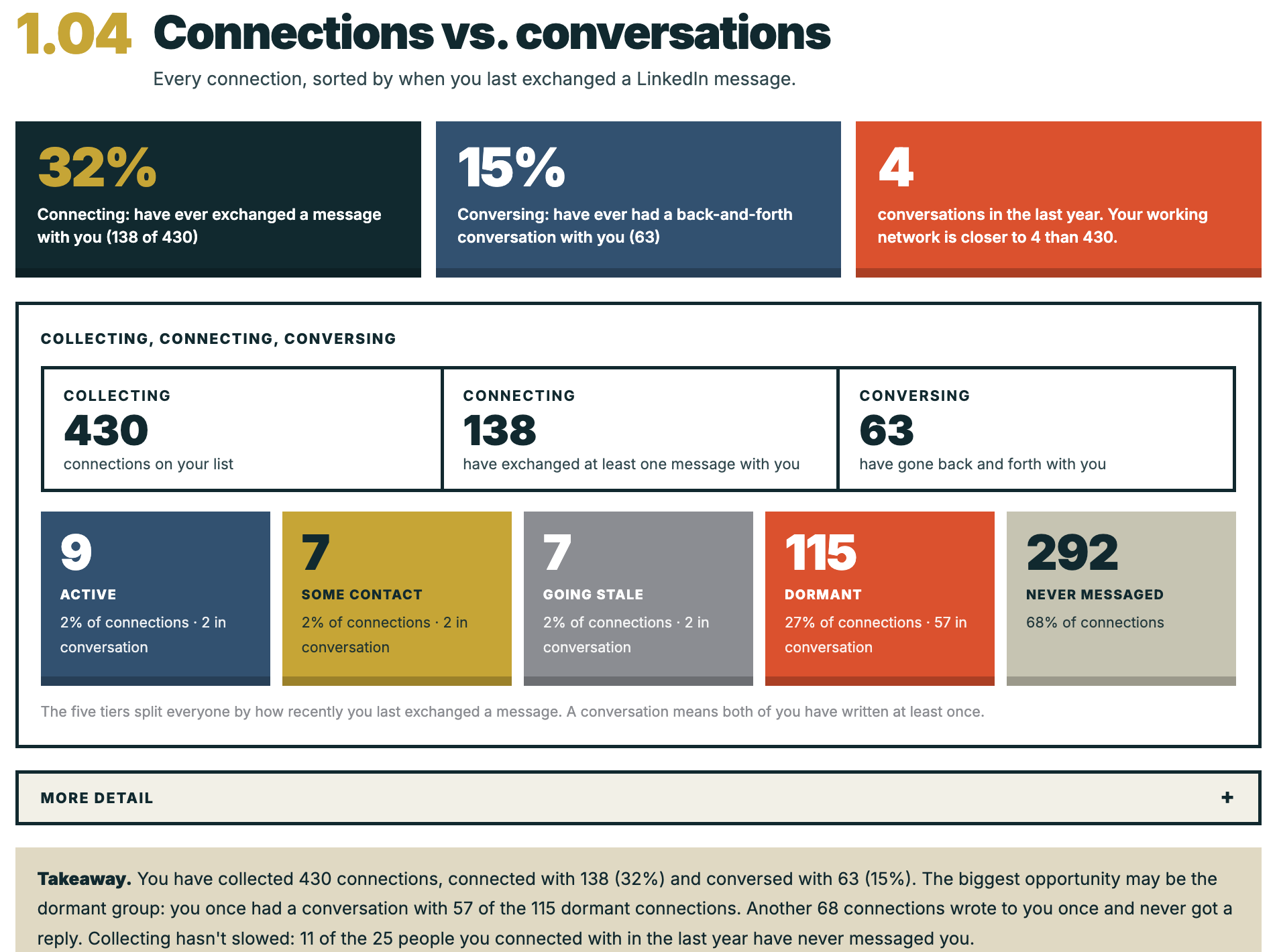
I tested it on myself. After 20 years, I have 959 connections and 42 conversations in the last year. Three things stood out.
Most of my network has never heard from me. 741 connections (77%) have never exchanged a message with me. LinkedIn messaging is a narrow lens, and plenty of colleagues I talk to elsewhere are in that group. It’s still more than I expected.
People find me more than I find them. 96 people asked to connect in the last six months. I asked 6. I can’t tell whether my reputation is doing the work or I'm being passive, and I think about it often.
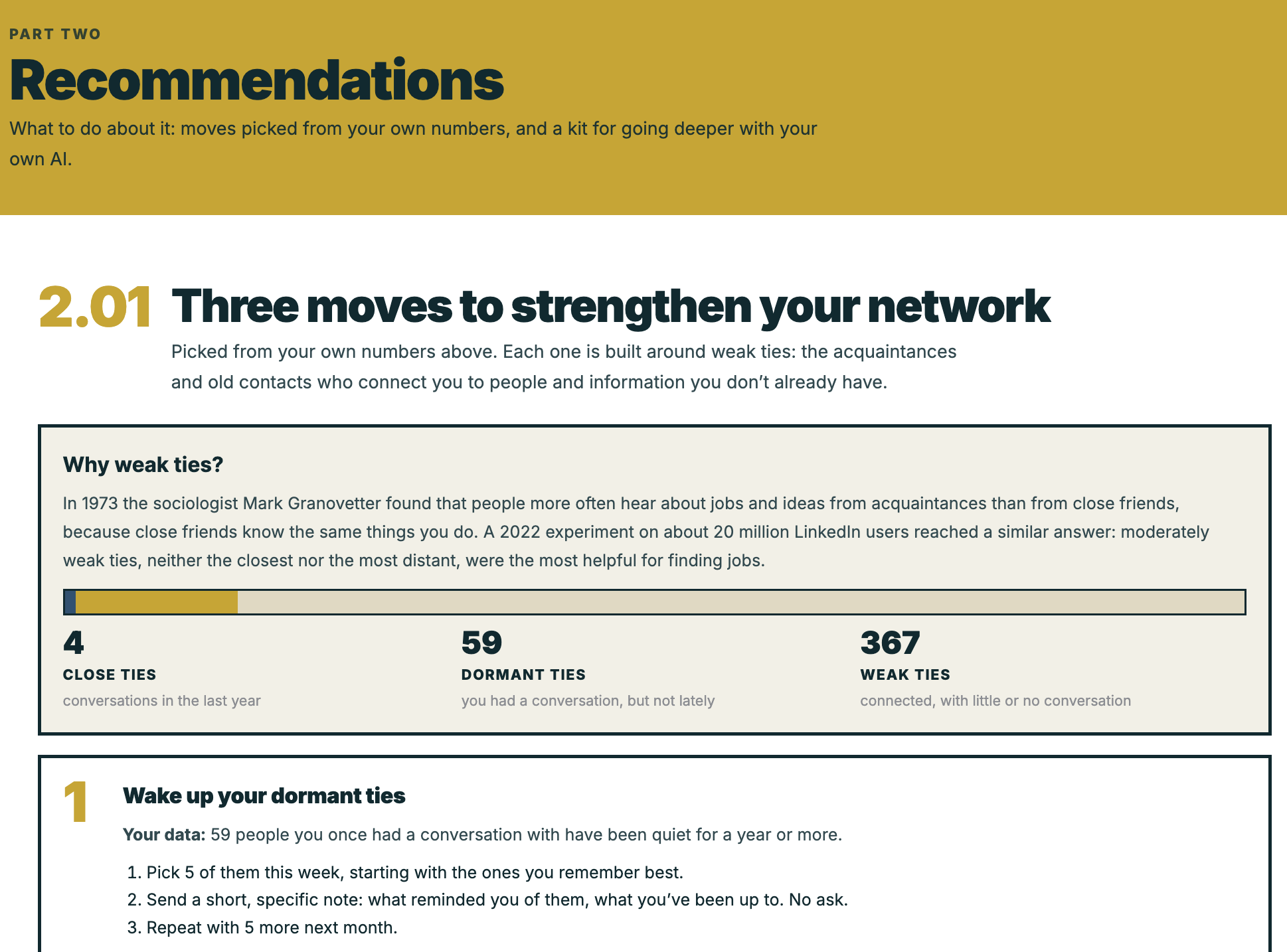
The valuable group is the quiet one. Of my 105 dormant connections, 55 are people I once had a real back-and-forth with and let drift. That’s a reconnection list, not a statistic.
How I built it
I built it with Claude Code over a weekend. The code was the easy part. The harder part was deciding what the tool should do, and what it deliberately should not.
Analysis isn’t the point. Action is. It started as a way to see my network. But a chart of 741 people I’ve never messaged doesn’t tell you what to do on Monday. The leap was imagining what a person needs from the report to act on it: a list of dormant connections worth reviving, and conversation-starter drafts. Four of the ten prompts in the starter kit now turn results into a plan.
Privacy is architecture, not promise. Everything runs in your browser, so you don’t have to trust a policy; just check the design. It reads message dates and senders, never the messages themselves.
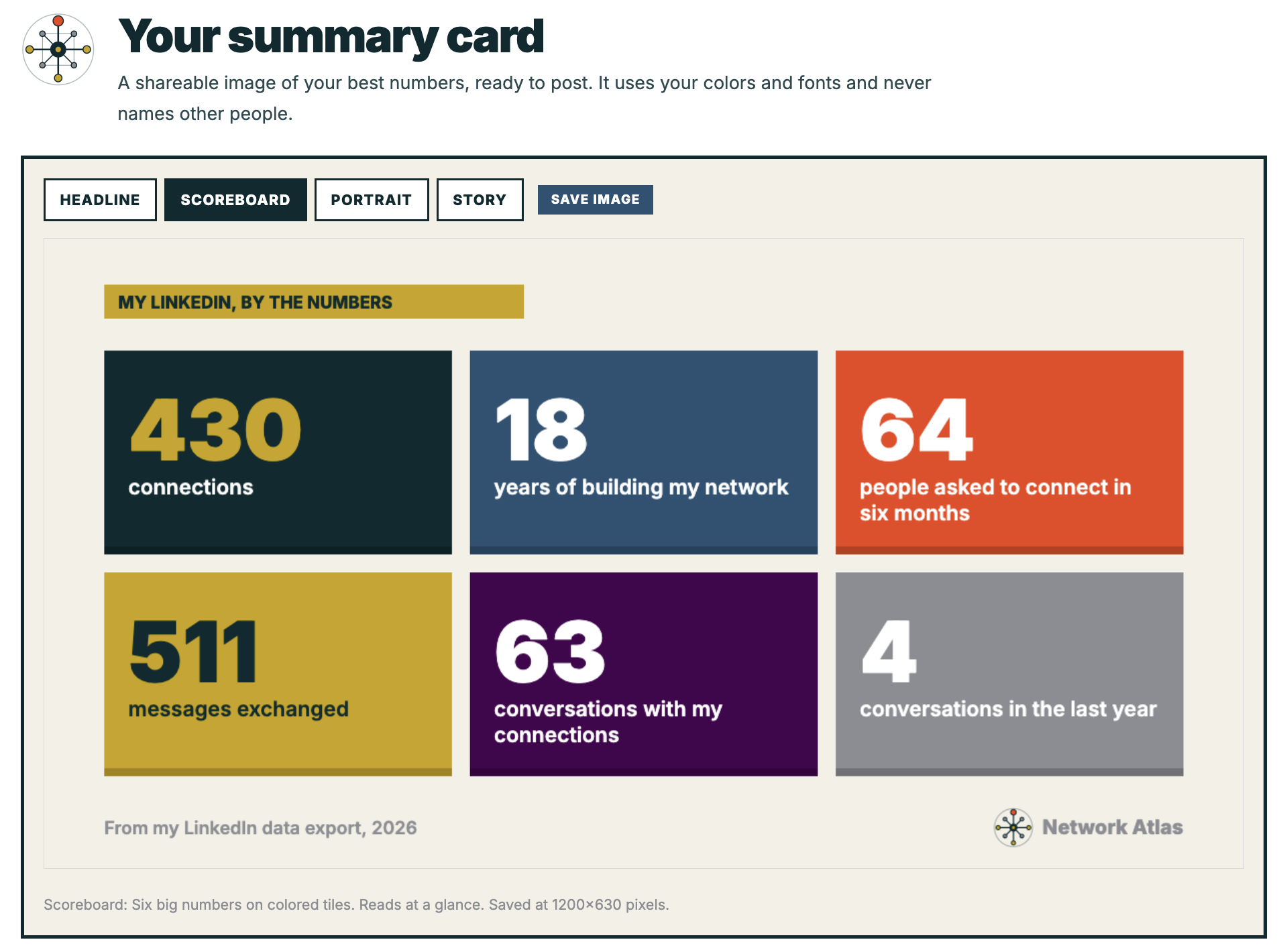
Counts, never names. The results show categories and numbers, which is also why the summary card is safe to post. It also offers a preview using sample data.
Split the work by what needs human judgment. Counting and charting happen in the browser. Harder questions, like reading messages, grouping companies, or planning outreach, need judgment, so I packaged them as prompts for your own AI assistant instead of pretending a script could do them.
Say where the privacy stops. An AI assistant is not this page. It sees whatever you point it at. The same names that make a reconnection plan useful make it sensitive, so the prompts that put real names into the results are marked private, and the kit’s standing instructions keep names out of everything else.
It’s an experiment on purpose: free for noncommercial use, as is, with no support. I posted it on LinkedIn and sent it to some friends. It’s been interesting to see people share their results.
Started: Oct 1, 2026
Type: Hosted in-browser tool
Built with: Claude Code
Status: Working tool released under open source non-commerical license on GitHub